Booking a Doctor's Appointment From Your Phone
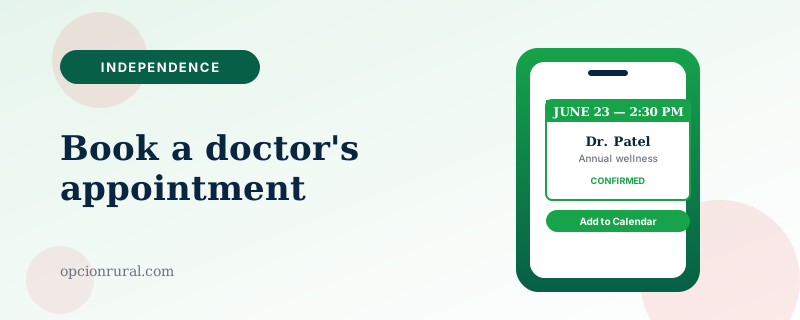
One of the genuinely useful changes in healthcare over the past five years is that you can now book most routine appointments without calling the office during the eleven-minute window when the appointment desk is actually answering the phone. The system varies by practice. The general approach is similar enough across the country to be worth knowing.
Three ways to do it
The patient portal. Most US medical practices use MyChart, the Cerner / Oracle patient portal, or one of the smaller equivalents. Open the app. Sign in. Look for a button labeled "Schedule" or "Appointments" — usually on the home screen. Tap it. The app shows you available appointment types and times, and lets you book one in about ninety seconds.
The patient portal is usually the fastest way for follow-up appointments with a doctor you already see. It is sometimes restricted for new-patient appointments, where you'll need to call the office to be added to the system.
The practice's own app or website. Some larger health systems (Kaiser Permanente, the VA, Mayo Clinic, the major academic centers) have their own dedicated apps that handle scheduling alongside everything else. The Kaiser app, for instance, lets members schedule with primary care, specialists, lab work, and pharmacy refills all in one place.
If you're a member of a system that has its own app, install it and use it. The integration is usually better than the standalone patient portal.
Zocdoc and similar. For finding a new doctor — say, you've just moved, or your previous one retired — Zocdoc (free app) shows you doctors who accept your insurance, with their availability, and lets you book directly. The doctor's practice receives the appointment automatically.
Honest assessment: Zocdoc works well in major cities. In smaller towns the selection is sparse. If you're in a rural area, the patient portal of your existing health system is usually your best path.
Before you book anything
Two things worth checking on every appointment, regardless of how you book.
Your insurance status. Even if the doctor took your insurance two years ago, networks change. Most patient portal apps confirm insurance status before booking, but the confirmation isn't always visible. If you're not sure, call the office before booking — the five-minute call saves you a $400 surprise.
The appointment type. Patient portals usually offer different categories — "annual wellness," "follow-up visit," "new concern," "video visit." The categories matter because the doctor's available times differ for each. Don't book a fifteen-minute follow-up slot if you actually need a thirty-minute annual visit.
The video-visit option
Most portals now let you book a video visit instead of an in-person one. Useful for follow-ups, medication adjustments, and any concern that doesn't need a physical exam. Saves the trip across town.
The setup is the same as our telemedicine piece: pick a quiet, well-lit room; test your camera and microphone the day before; have a list of questions on paper. The video visit is real medicine; treat it like an appointment, not a casual call.
If you need to cancel
Cancel through the same app where you booked. Most practices ask for 24 hours' notice; some charge a fee for late cancellations. The portal is the cleanest path because it leaves a record on your account.
If something comes up at the last minute, call the office. Almost every practice will waive the late-cancel fee for genuine emergencies. They appreciate the call more than the no-show.
What to put on the calendar after you book
Once you've booked an appointment, immediately add it to your phone's calendar with the office address as the location (covered in the calendar piece). The phone will then alert you when it's time to leave based on traffic — the single most useful thing a smartphone does for medical appointments.
The common before-and-after: someone who had been habitually arriving fifteen minutes late to specialist appointments. They install the drive-time alert. They are on time every visit afterward. The specialist notices. The appointment now starts when it is supposed to. Small change, real difference.
One last thing
Booking online doesn't replace the relationship with your doctor's front-desk staff. The receptionists know things the app doesn't — who in the practice is best with particular conditions, when the doctor is running behind, whether a same-day slot just opened up. The app is for routine scheduling; the call is for everything else. Use both.
Written by Justin Lowen. Last verified 12 June 2026.